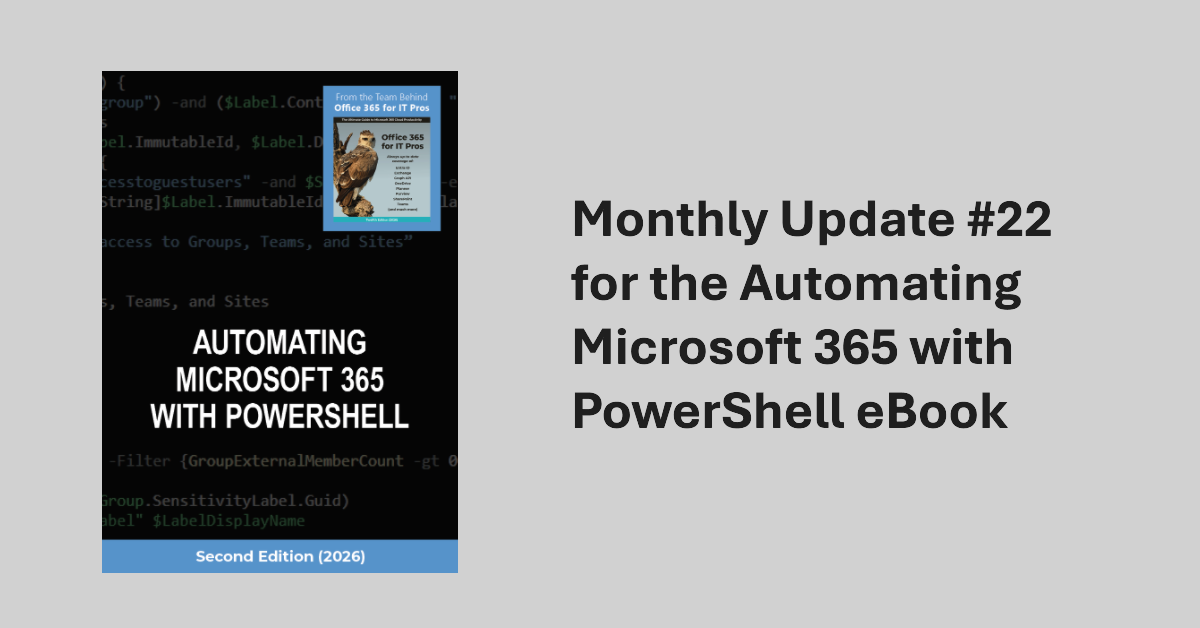
The April 2026 update for the Automating Microsoft 365 with PowerShell eBook is now available for subscribers to download. Refreshed EPUB and PDF files can be downloaded from Gumroad.com. The Kindle and paperback editions are also updated. This month we reflect on V2.36.1 of the Microsoft Graph PowerShell SDK and why so little has changed in this important component.
The Planner agent is now available to users with Microsoft 365 Copilot licenses and any Planner license. The purpose of the Planner agent is to help people understand the steps necessary to accomplish assigned tasks. Like any AI tool, the quality of the agent’s output depends on the precision and completeness of the instructions given for a task. But if you’re prepared to iterate, the agent might work for you.
Some Microsoft MVPs have expressed a strong opinion that Microsoft isn’t doing enough to develop and enhance the Microsoft Graph APIs across Microsoft 365. Problems include inconsistency in implementation, undocumented APIs, assembly clashes, missing coverage, and APIs that never come out of beta. It seems like Microsoft doesn’t dedicate sufficient attention to this important topic. What do you think?
Microsoft 365 E7 bundles Microsoft 365 E5, Microsoft 365 Copilot, the Entra Suite, and the new Agent 365 into a $99/user/month SKU. The big question is whether investing in Microsoft 365 E7 licenses make sense for tenants? Buying a big batch of licenses will simply throw money away unless those licenses can be used. Paul Robichaux debates the issues and suggests some advice about how to assess the need for E7.
Teams will soon block third-party recording bots from being able to create transcripts and generate AI-based summaries for Teams meetings. The problem is that these bots must export information for processing outside of a tenant, which creates all sorts of compliance issues. The new feature is part of base Teams and will be enabled in all tenants. You can disable it and allow bots if you want.
In December 2024, Microsoft introduced a control to block responses to sentiment-related prompts in Teams meeting chat. Now that block extends to every Teams user following a consolidation of the Teams meeting implementation of chat with Microsoft 365 Copilot. Basically, the block stops Copilot responding to prompts that look for opinions about emotions, judgement, or evaluations of other meeting participants. It’s a good thing.
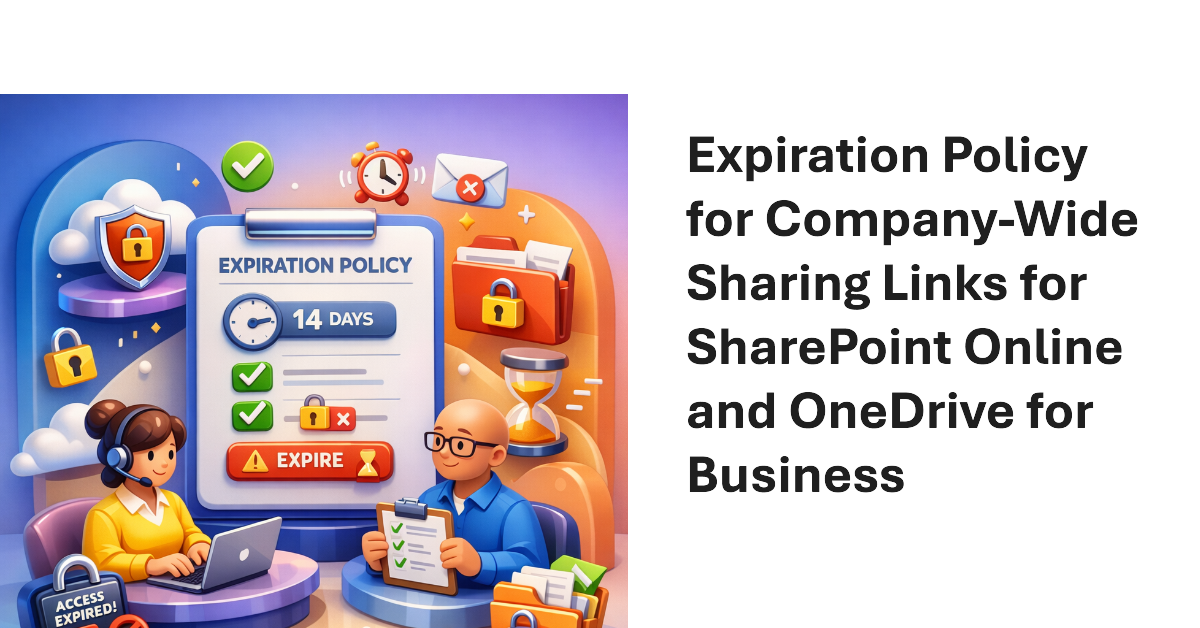
Company-wide sharing links allow any authenticated user account in a Microsoft 365 tenant to access a shared file or folder. New settings are available to create an expiration policy for company-wide sharing links, with different values supported for SharePoint Online and OneDrive for Business. The idea is to stop the potential for abuse of sharing links, including stale links that should not grant access to files and folders.
The Microsoft 365 Backup solution will soon be able to restore individual files and folders instead of complete sites. That’s a welcome upgrade to restore capabilities to cover situations like the inadvertent deletion of a file. It’s a wonder why Microsoft didn’t make more about this capability when they celebrated SharePoint’s 25th anniversary last week when they discussed departmental billing for Microsoft 365 Backup.
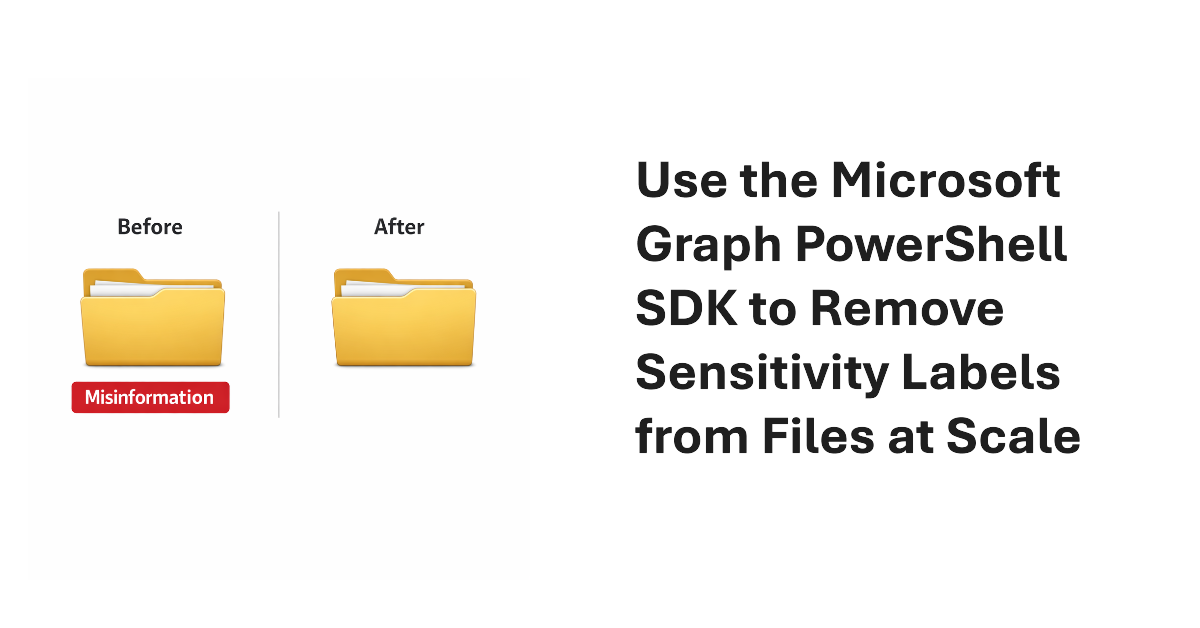
It’s easy to remove sensitivity labels from SharePoint Online files when only a few files are involved. Doing the same task at scale requires automation. In this article, we explain how to use the Microsoft Graph PowerShell SDK to find and remove sensitivity labels from files stored in SharePoint Online and OneDrive for Business.
Almost two years after it first previewed, Microsoft is making the High-Volume Email (HVE) solution generally available in March 2026. HVE runs on a pay-as-you-go basis, but Microsoft won’t start charging tenants for sending email until May 2026. Two months should be enough for people to decide if they want to use HVE for internal communications as it has no ability to send external email.
From July 2026. SharePoint Online and OneDrive for Business will use Entra B2B Collaboration (guest accounts) to control external access to shared files. This change has been coming since 2021, but it takes time for organizations to get their heads around changing the way to grant external access. It’s time to embrace guest accounts, and that means doing some work to manage guest accounts on an ongoing basis.
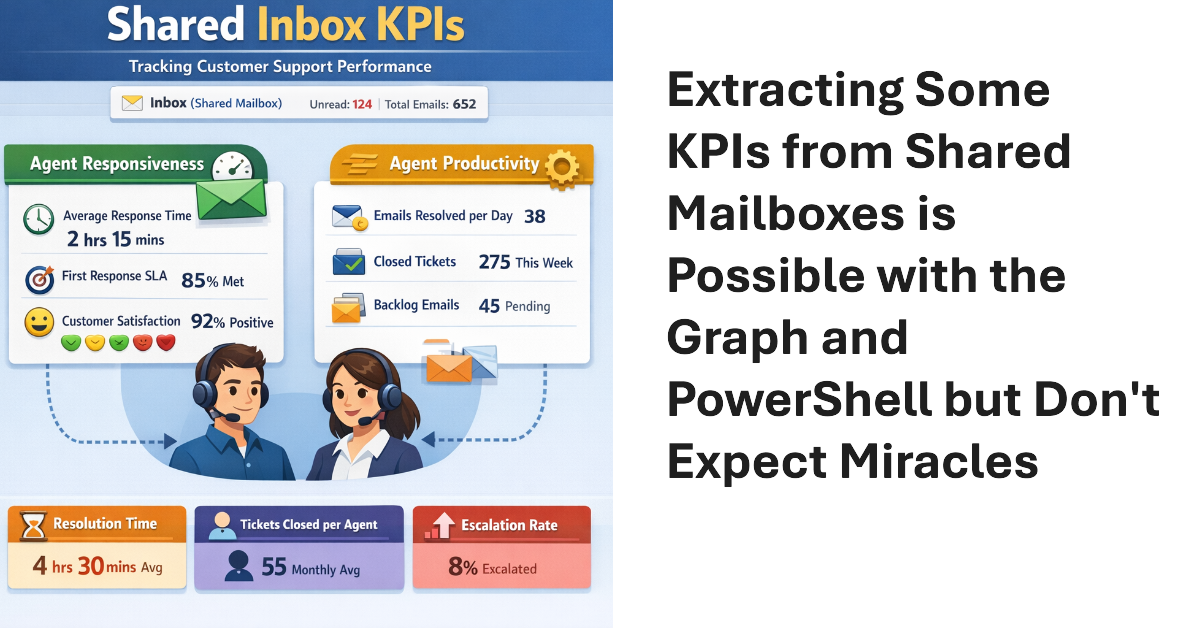
Shared mailboxes are not CRM systems. However, many Microsoft 365 tenants use shared mailboxes to handle customer queries and then want to measure KPIs such as agent responsiveness to customer queries or the number of queries handled per agent in a month. As explored in this article, it’s possible to use the Microsoft Graph to extract some KPI-like data from shared mailboxes.
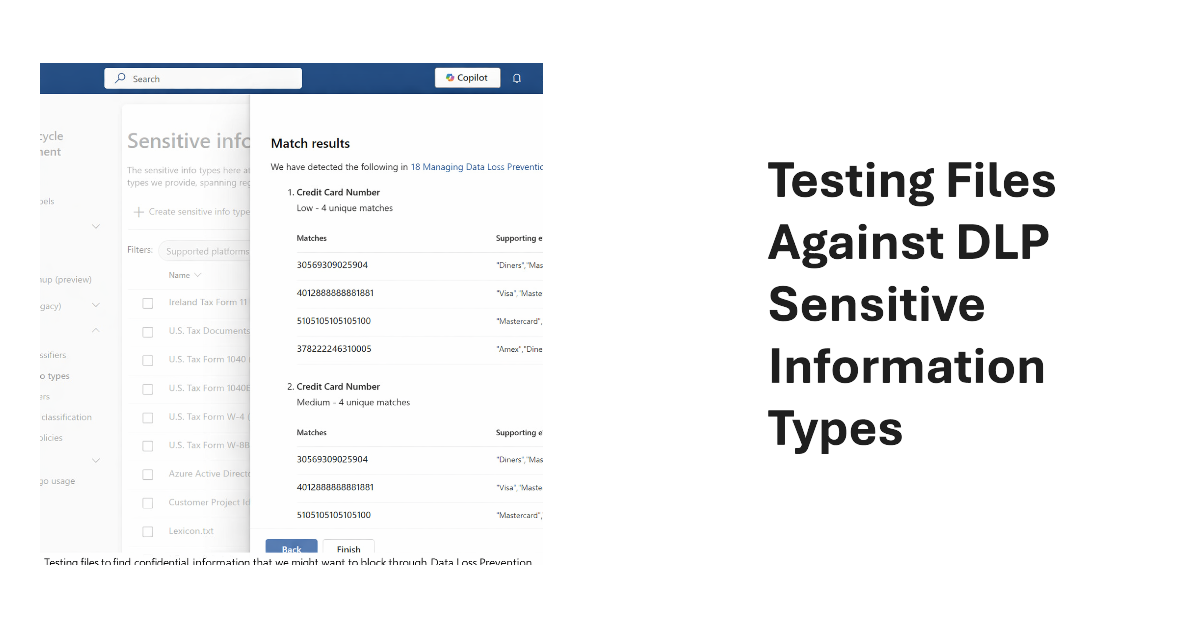
Sensitive Information types (SITs) are definitions of data like credit card numbers used by DLP rules to detect potential external sharing violations. Knowing what SIT to use in a DLP rule is often difficult, which is why the Purview developers have added a test option to allow tenants to test files against individual SITs or all SITs to see what happens.
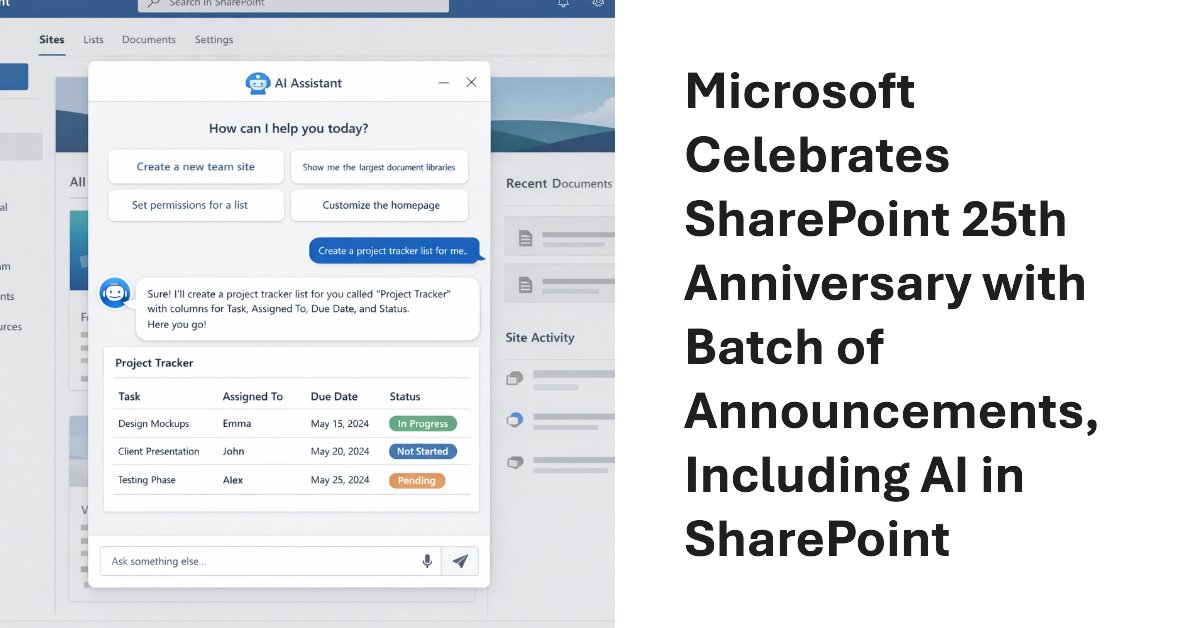
Microsoft celebrated the 25th anniversary of SharePoint with a batch of announcements, including AI in SharePoint, intended to help administrators to manage all aspects of SharePoint Online through natural language. Other interesting announcements included department-level payments for Microsoft 365 Backup and the renaming of the Connections app in Teams as the SharePoint app. Well, the last wasn’t that interesting…
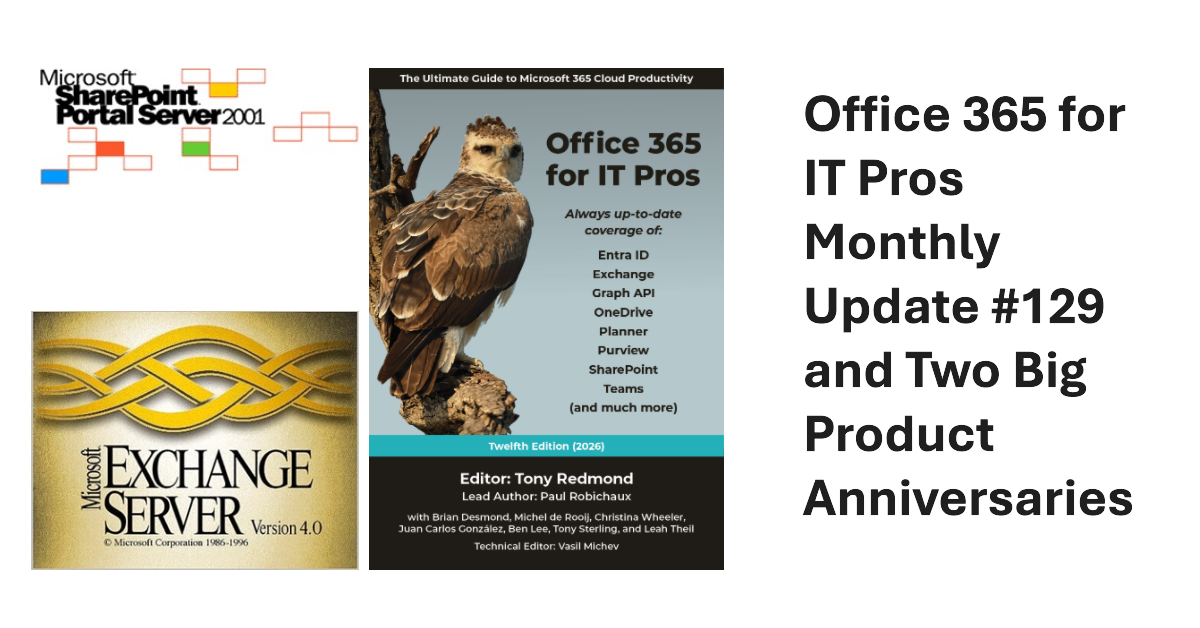
We’ve released monthly update #129 for the Office 365 for IT Pros eBook. Current subscribers can download the EPUB and PDF files from gumroad.com. This month we reflect on the 25th anniversary of the release of SharePoint Portal Server 2001 and the 30th anniversary of Exchange Server V4.0. Both servers have experienced great success online and on-premises. Long may they continue!
Microsoft has launched a redesigned user interface for the Planner app. The big news is the inclusion of task chat. Goals are also available, but only to people with a Microsoft 365 Copilot or Planner Premium licenses. Task Chat is a nice feature, and I am sure that it will be popular. UX redesigns often disappoint. At least this one offers new features.
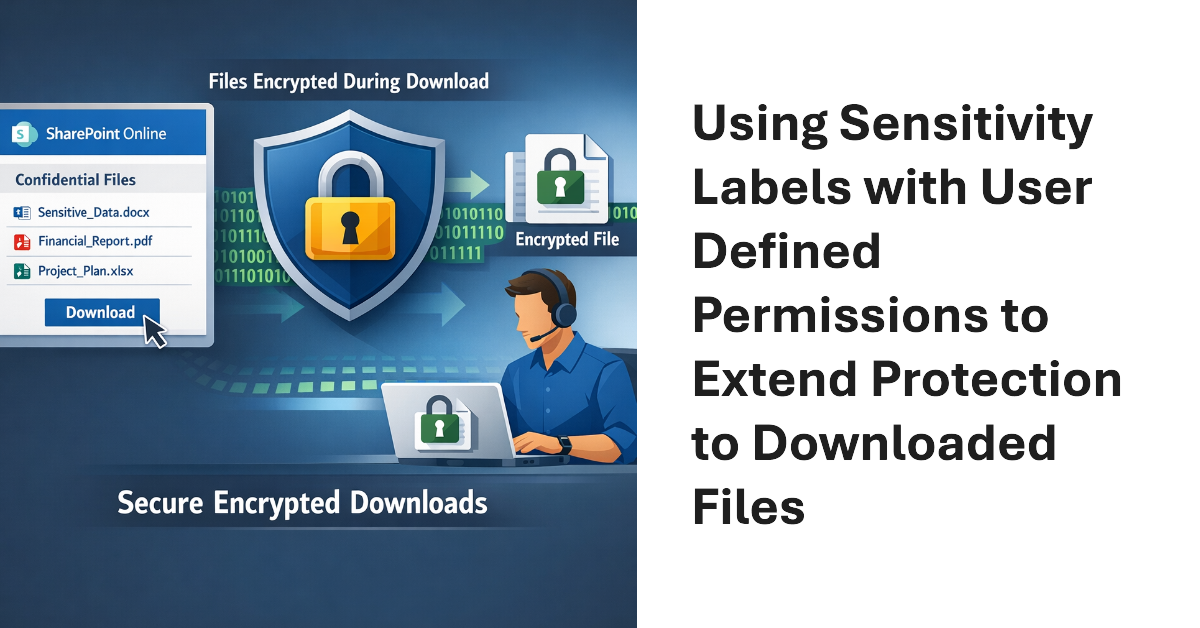
Sensitivity labels offer great protection against unauthorized access, but sometimes files that aren’t encrypted escape from a document library. SharePoint Online can now use sensitivity labels configured with user defined permissions (UDP) to extend protection to downloaded files. The magic works by configuring permissions on download based on the membership of the user who downloads a file.
This article explains how to use scoped Graph permissions to restrict app access to lists and list items in SharePoint Online and OneDrive for Business sites. It’s a follow-up to other articles covering how to restrict app access to SharePoint Online sites and files. Scoping app access to specific objects is important because otherwise apps can access everything in SharePoint Online, and that isn’t good.
Microsoft has enhanced the DLP policy for Copilot to cover Office files held in any storage location instead of only Microsoft 365 locations like SharePoint Online and OneDrive for Business. The change is made in the Office augmentation loop, a little-known internal component that coordinates use of connected experiences by apps. Extending the DLP policy to cover all locations makes perfect sense.
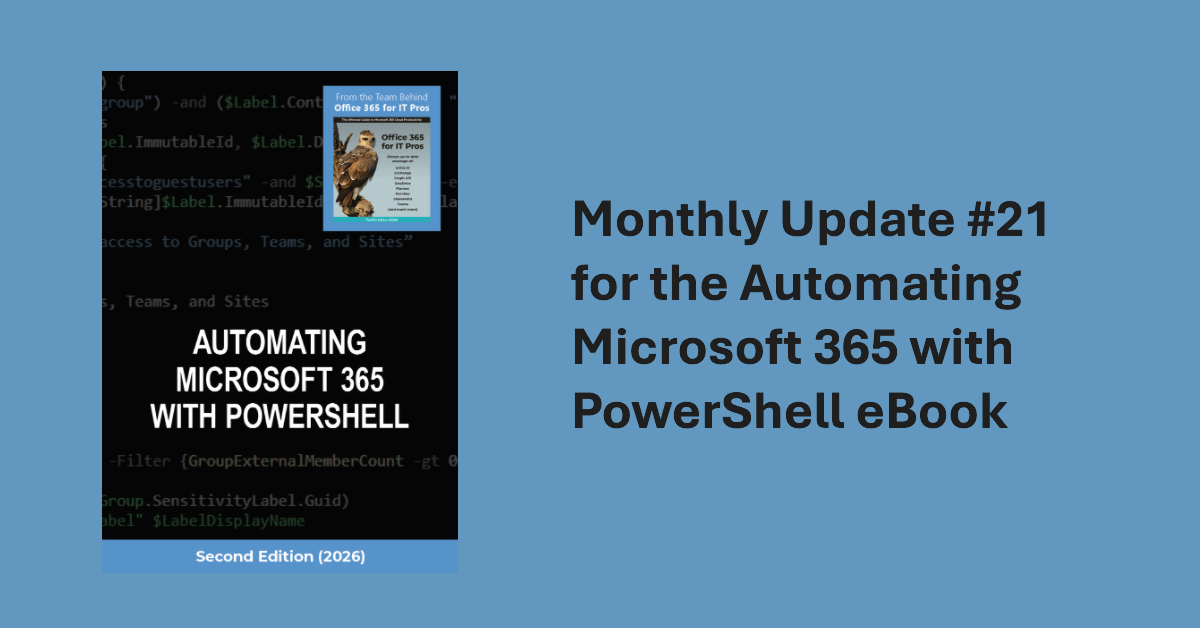
Update #21 for the Automating Microsoft 365 with PowerShell eBook is now available for current subscribers to download from Gumroad.com. Refreshed PDF and EPUB files are available and the paperback version available from Amazon.com is also updated. Automating Microsoft 365 with PowerShell is packed with practical ready-to-use examples of working with apps, sites, mailboxes, teams, plans, and other data. Every Microsoft 365 administrator should have this book!
Microsoft would very much like Microsoft 365 tenants to use Copilot instead of ChatGPT. A recent comparison between Copilot and ChatGPT outlines some areas that Microsoft thinks are important when deciding which AI tool to use. Microsoft has a point because Copilot is embedded into Microsoft 365 whereas ChatGPT is more of an add-on. The competition for hearts and minds is very intense in the AI space.
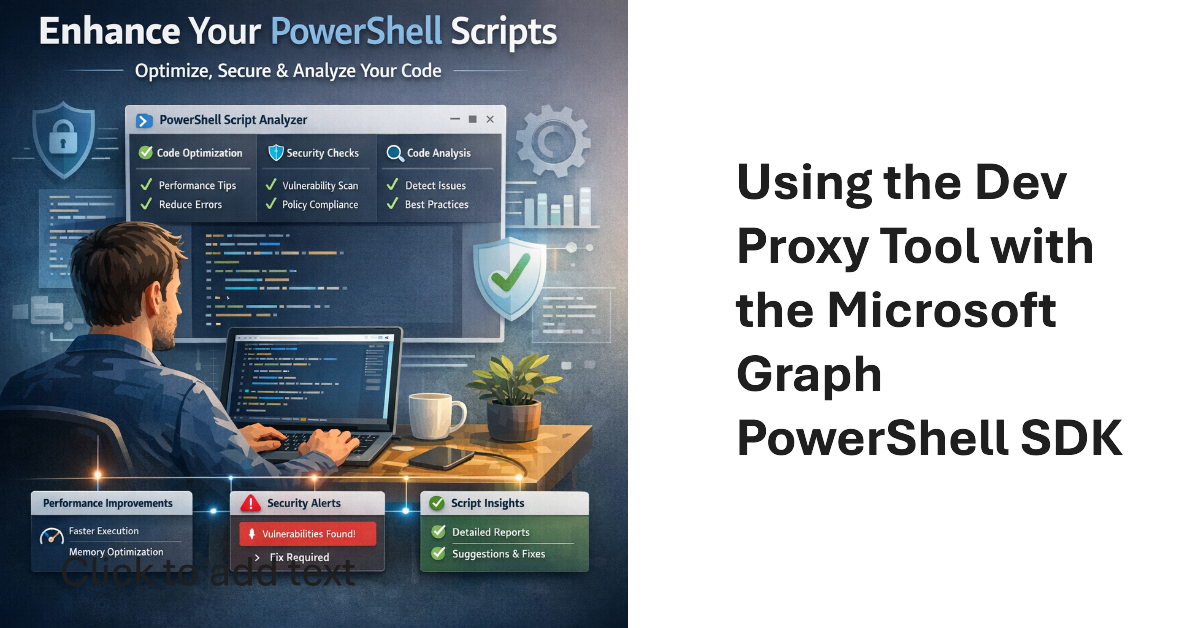
Dev Proxy is a Microsoft tool built to help developers figure out the most effective way of using Microsoft Graph API requests. On the surface, Dev Proxy doesn’t seem like a tool that would interest people who use the Microsoft Graph PowerShell SDK to write scripts for Microsoft 365. But all tools have some use, and Dev Proxy can help.
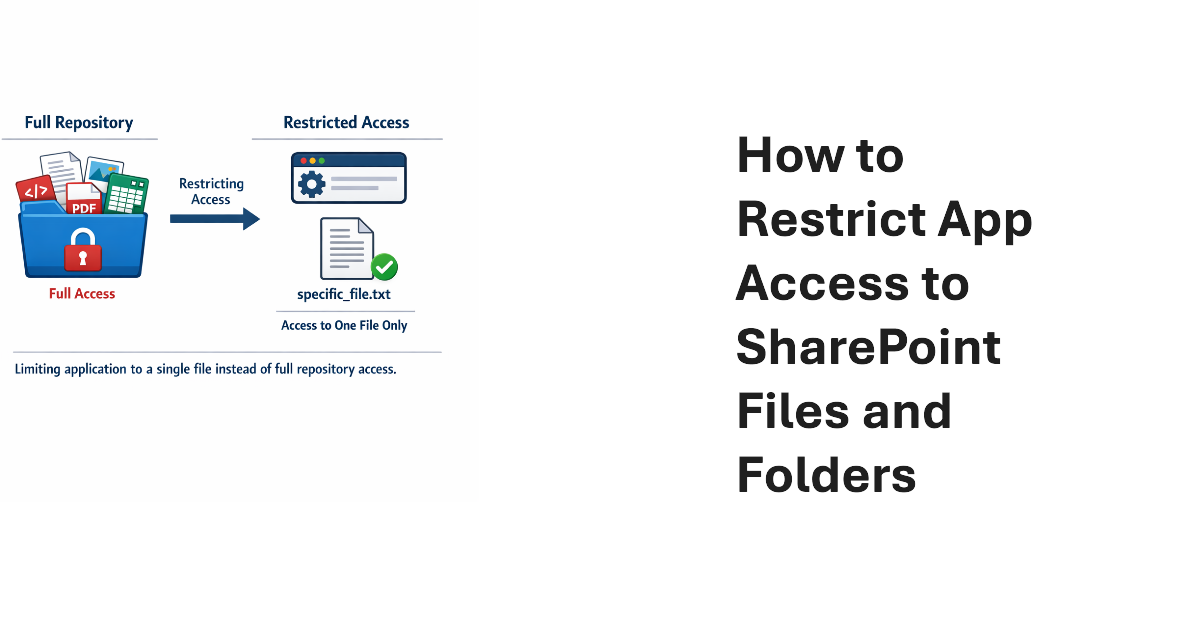
Scoped permissions grant apps granular access to files and folders in SharePoint Online and OneDrive for Business sites using the Files.SelectedOperations.Selected Graph permission. The permission allows apps to access specific files or all the files in a folder. It’s a great way to make sure that apps don’t have unfettered access to confidential documents. Not that any app would try to have that kind of access…
The temptation to use the Mail.Send application permission in scripts can lead PowerShell developers into trouble because the permission allows access to all mailboxes, including sensitive executive and financial mailboxes. Fortunately, RBAC for Applications allows tenants to control the access that apps have to mailboxes and other Exchange content. All explained here with an example script to test RBAC of Applications.
On February 12, Microsoft announced the deprecation of the Credential parameter for the Connect-ExchangeOnline cmdlet in the Exchange Online PowerShell module. The deprecation won’t affect interactive sessions (which should all be protected by MFA), but it might stop some background jobs running when Microsoft retires the server components that currently support the ROPC authentication flow. Time to check scripts!
A code error allowed Copilot Chat to expose confidential email. Microsoft is fixing the problem, but it’s a reminder of how AI can expose information of Microsoft 365 tenants don’t use available features to restrict AI access. Those features need to be configured and deployed, but that doesn’t take much effort. It’s better than users complaining when Copilot exposes their most secret thoughts.
The news that the new Outlook client will support custom oversharing dialogs for DLP policies might not seem very interesting, but it provoked me to look more closely into how to build and deploy custom oversharing dialogs. All it takes is some well-structured JSON and an update to DLP rules, and the classic and Monarch Outlook clients should display custom tenant instructions to anyone who violates DLP rules.
This article explores how to deactivate applications (aka disable apps) in Entra ID. Everything is done through PowerShell and the Microsoft Graph PowerShell SDK because the feature isn’t currently available in the Entra admin center. We’ve even included a fully functional example script to show you how the process works. Feel free to fix or enhance our code in GitHub!
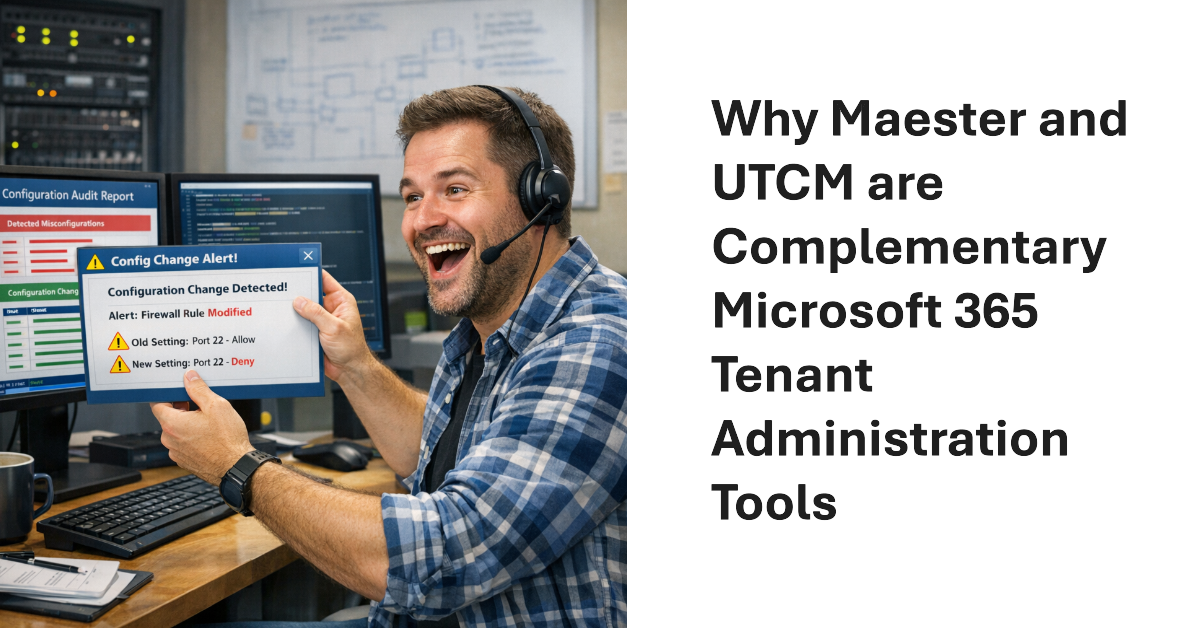
Since the release of the preview version of the UTCM solution, some have asked if UTCM will replace the Maester tool. The answer is no. The tools are complementary and both are very useful to Microsoft 365 tenant management. Maester is a community-driven reporting tool that highlights inconsistencies between external and Microsoft baselines. UTCM focuses on setting drift that can occur in workload configurations. Both have their own niche.
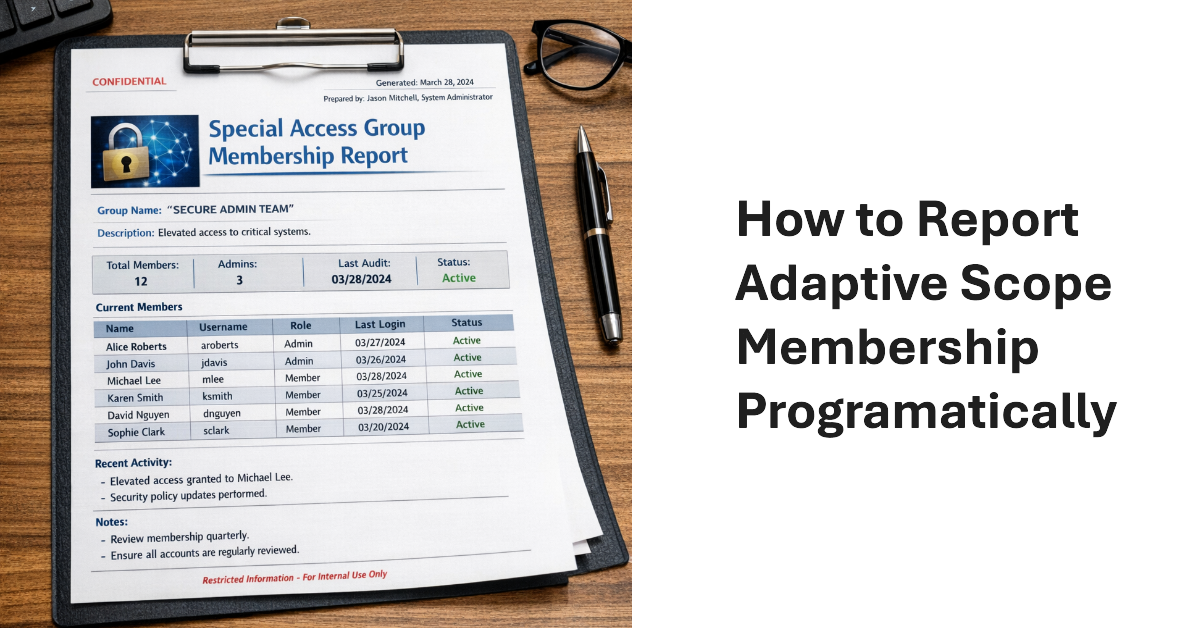
The Get-AdaptiveScopeMembers cmdlet reveals details of adaptive scope membership to make it possible to report this information programmatically. The task is not as simple as you might imagine. Summary records must be separated from member records, which can reflect add or remove operations. And there’s the question of pagination for large adaptive scope. All explained here with a PowerShell script to help.
Microsoft announced the dates leading to the final retirement of Exchange Web Services from Exchange Online. If all goes well, the EWS retirement in the cloud will happen by May 2027. Challenges still exist. Microsoft must remove EWS from its own apps, including Outlook, and help tenants and ISVs make the leap to Graph APIs. Plans are in place and progress is being made, but will everyone be ready when Microsoft removes EWS permanently from Exchange Online in April 2027?
A new userConfiguration API is available to retrieve data from Folder Associated Items (FAIs) in Exchange mailboxes. The new Graph API is part of the EWS migration project and is intended to allow application developers to migrate EWS code that updates FAIs with Graph equivalents. Most Microsoft 365 tenants will never use this API, but it’s nice to know how things work.
Microsoft offers several PAYG services to Microsoft 365 tenants. Data Security Investigations (DSI) is the newest. These services can rack up compute charges to perform processing (in the case of DSI, AI processing of items found in Microsoft 365 sources). If tenants don’t take care, they might end up with big Azure bills. Be aware, prepare, measure, and minimize processing to avoid large charges.
Unified Tenant Configuration Management (UTCM) is a new tenant configuration management solution that can monitor changes to over 300 resource types found within Microsoft 365 tenants. Currently accessible via Microsoft Graph beta APIs to all tenants, UTCM offers an alternative to Microsoft DSC and third-party configuration management products. No details are available yet about an admin UX, licensing, or availability.
The February 2026 (update #128) files for the Office 365 for IT Pros (2026 edition) eBook are available for current subscribers to download from Gumroad.com. The Automating Microsoft 365 for PowerShell eBook has also been updated. Like any month, the updates applied to Office 365 for IT Pros make sure that the book stays refreshed and up-to-date with the changing world of Microsoft 365.
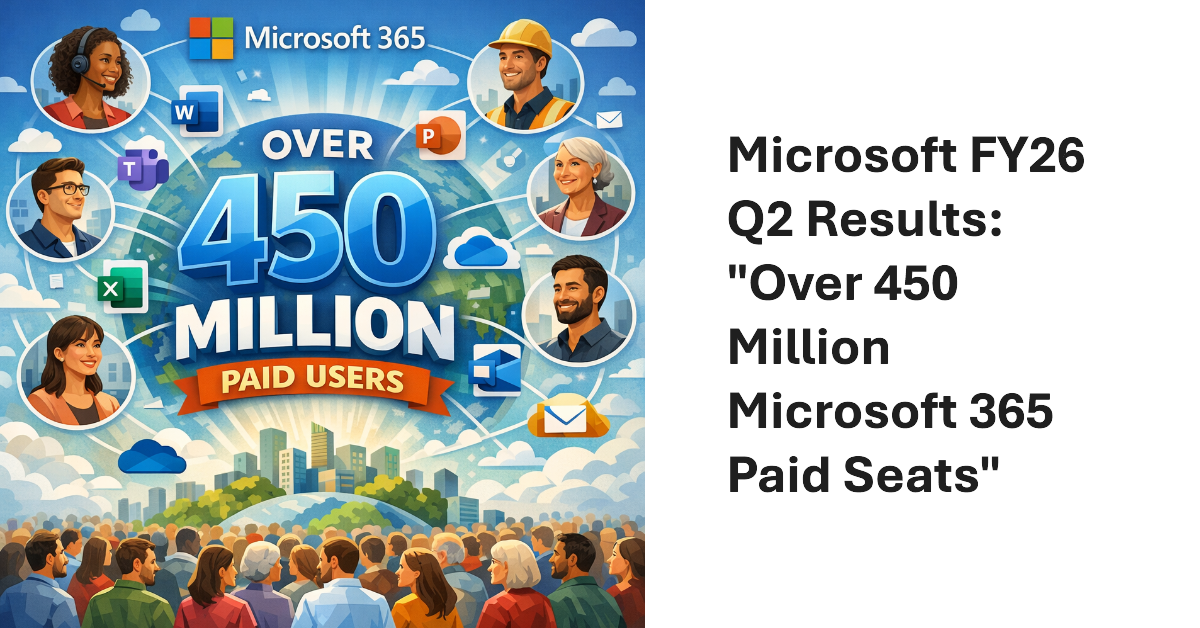
Microsoft FY26 Q2 results included a new figure for Microsoft 365 commercial paid seats: “over 450 million.” Seats are growing at a consistent 6% year-over-year rate, and the June 2026 increases will mean an extra $10 billion or so revenue. In other news, we learned that Microsoft 365 Copilot has 15 million paid seats, or roughly 3.33% of the Microsoft 365 installed base.
Microsoft has delayed the retirement of basic authentication for the SMTP AUTH client submissions protocol to 2027 or beyond. New tenants will be the first to be blocked and Microsoft will disable basic authentication for SMTP AUTH in a way that existing tenants can reenable the protocol. Eventually, we’ll get a date for final retirement sometime in 2027. These things take time!
Entra multi-tenant applications can be used by any tenant – unless you restrict sign-in audiences to permit only specific tenants to use the application. In this article, we explain the preview feature and use the Microsoft Graph PowerShell SDK to restrict sign-in audiences by defining a list of permitted tenant identifiers in the properties of multi-tenant applications.
January 22 saw the announcement of the beta version of an Exchange Online Graph-based message trace API. The API can retrieve message trace records and their details and offers equivalent functionality to the message trace cmdlets in the Exchange Online management PowerShell module. However, sometimes applications simply want to access data without going through a module, and that’s what this API delivers.
Microsoft announced a set of Teams licensing changes to take effect in April 2026. The changes affect devices, Microsoft Places, and Teams events. Webinars and Teams town halls will be easier to manage without Teams Premium licenses, and organizations will be able to buy capacity packs to host events for up to 100,000 participants. The changes will leave some Microsoft 365 tenants cold while others will be delighted.