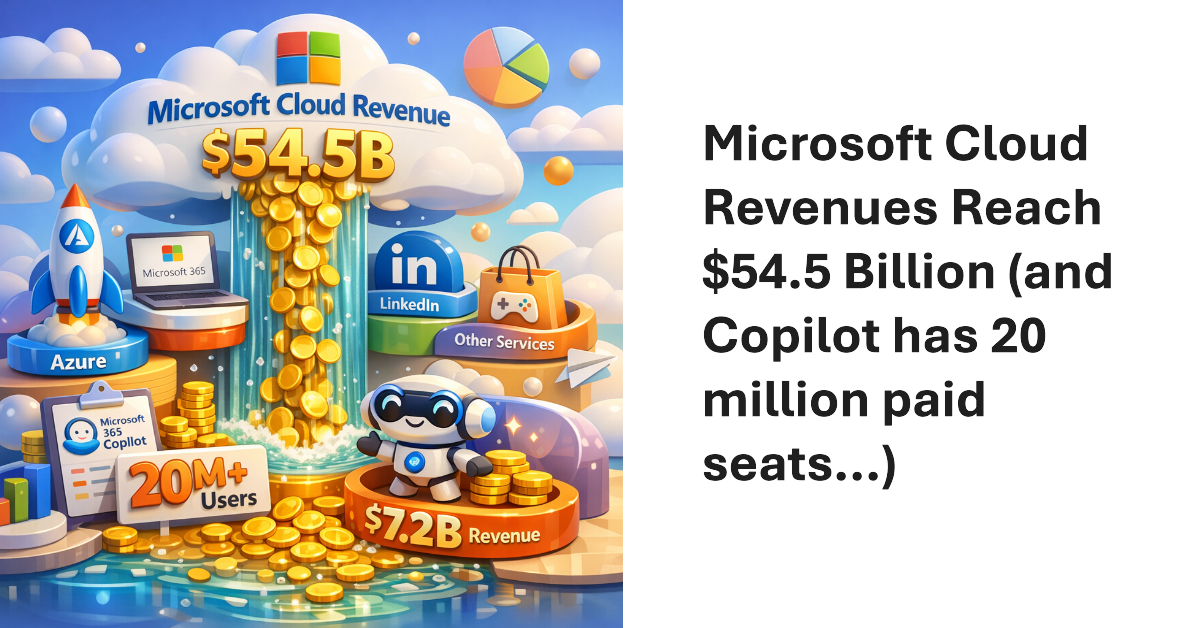
Microsoft’s FY26 Q3 results produced $54.5 billion revenue for the Microsoft Cloud, the segment that includes Microsoft 365, Azure, LinkedIn, and other services. The annualized run rate of $218 billion proves just how vital these revenues are to Microsoft. Lots of time was spent talking about Microsoft 365 Copilot, which now has “over 20 million” paid seats. Sounds good, and it’s up five million from the last quarter, but Copilot still has a long road to travel to profitability.
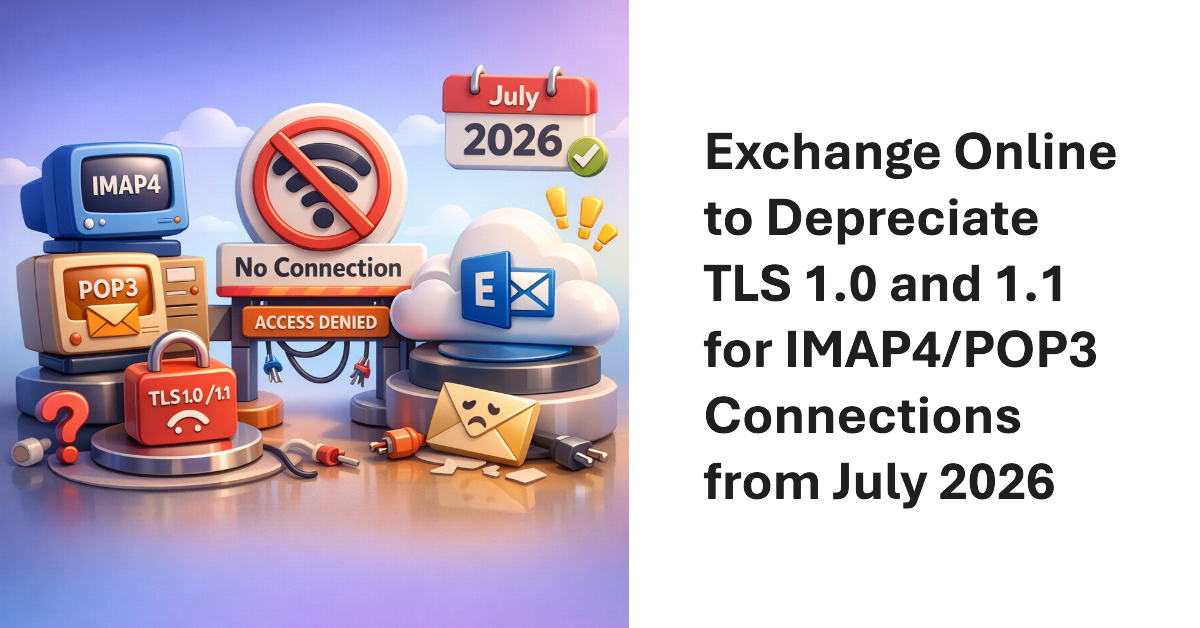
Microsoft will start to refuse inbound IMAP4 and POP3 client connections using legacy TLS versions (1.0 and 1.1) in July 2026. The move is consistent with other projects to remove obsolete or insecure email protocols from Exchange Online to increase the overall security of the online email service. In this article, we examine some methods to understand the POP3 and IMAP4 usage within a tenant.
In 2024, I wrote a script explaining how to report details of Teams online meetings, including participants. Now someone wants to report single-user meetings. Their reason is that company management believe that some remote workers schedule online meetings that only they attend with the intention of appearing active if anyone checks. It’s an odd ask, but we can do the job with PowerShell.
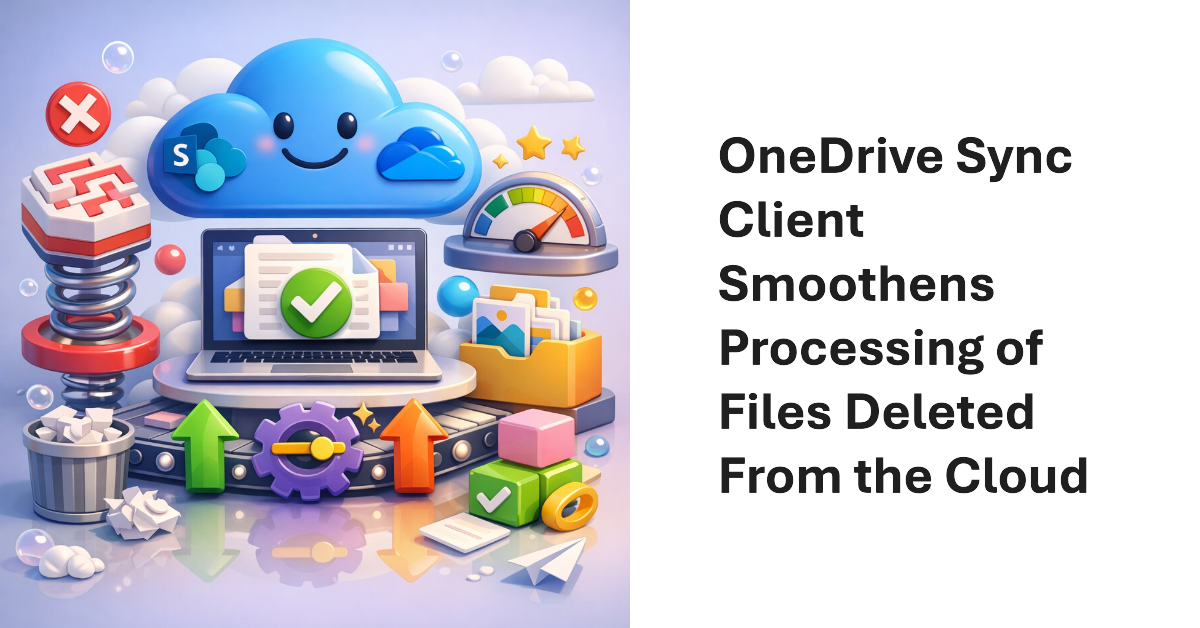
Microsoft plans a May 2026 update for the OneDrive Sync client to improve the way that the client handles the deletion of files stored in SharePoint Online and OneDrive for Business. The client will no longer move the local synchronized copy of the deleted file into the workstation’s recycle bin, meaning that the only copy is on the server. The change removes complexity and should improve performance.
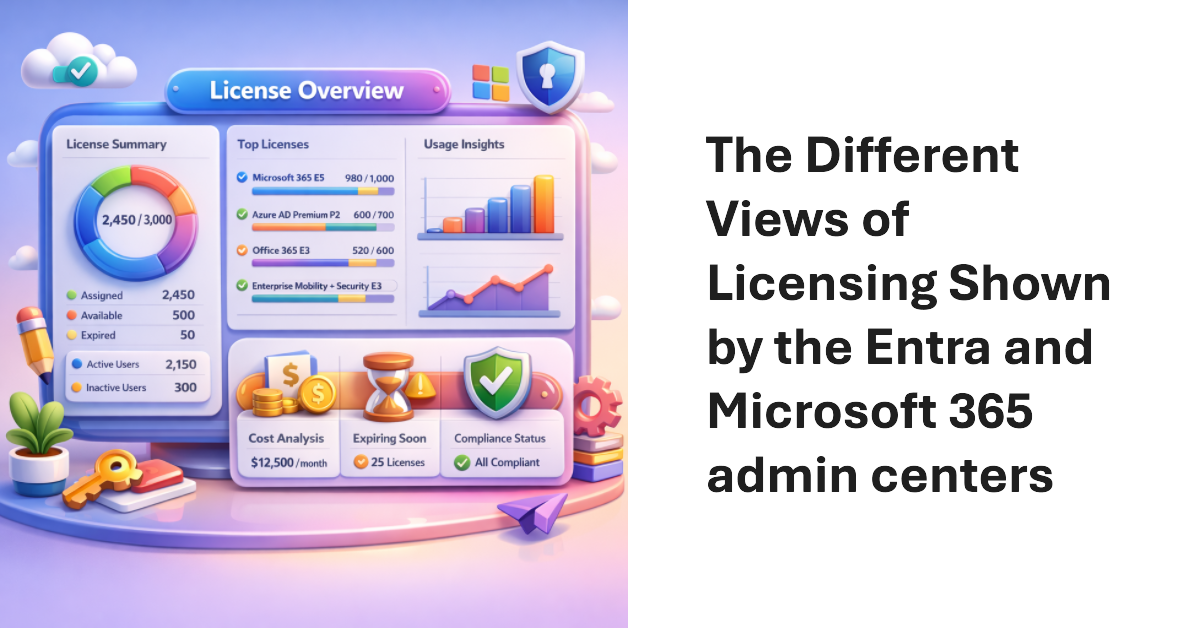
License insights is a new feature in the Entra admin center. The Microsoft 365 admin center also shows some license insights in a dashboard card. The two views don’t line up. This isn’t very surprising because different teams generated the information, but it would sure be nice if Microsoft delivered comprehensive license reporting for Microsoft 365 tenants, including the Entra premium licenses.
On April 1, Microsoft announced the general availability for the High-Volume Email (HVE) solution together with details of the PAYG charges incurred to send email to internal recipients, which is all that HVE can do. Microsoft will enable HVE charging on June 1, 2026, Before then, you’ll need to create a billing policy and link it to a valid Azure subscription if you want to continue to use HVE.
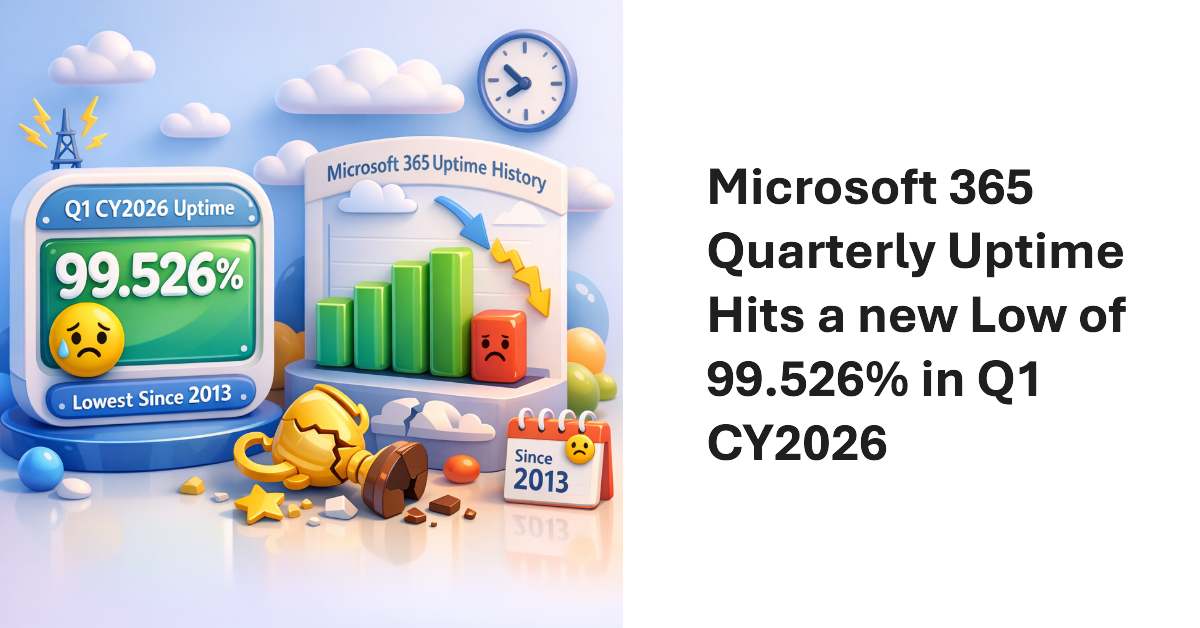
According to Microsoft, the Microsoft 365 uptime performance for Q1 CY2026 was 99.526%. That’s the lowest uptime figure since we started to record data in 2013. The first thing that people might ask is whether this performance means that Microsoft has to pay out under the terms of its financially backed SLA. The answer is no. All explained in the article.
The additionalProperties property is available for many Microsoft Graph PowerShell SDK cmdlets. In this article, we explain the function of the additionalProperties property and how it functions in holding output for Microsoft Graph PowerShell SDK cmdlets. It’s all because of the lack of strongly typed properties, or so the AutoRest process would have us believe.
The May 2026 update for the Automating Microsoft 365 with PowerShell eBook is available. Current subscribers can download new PDF and EPUB files. The paperback edition of the book (available on demand from Amazon) is also updated. With over 400 pages of content, including twice that number of practical examples of using PowerShell to interact with Microsoft 365, the book is going from strength to strength.
A fix due in May 2026 will make sure that the Outlook classic client will handle Outlook reactions properly if the reactions are blocked. Of course, if tenants don’t like responding to email with an emoji, they can create a transport rule to insert the x-ms-reactions header. Detecting the header is an instruction to Outlook clients to suppress reactions that Outlook classic has been ignoring up to now.
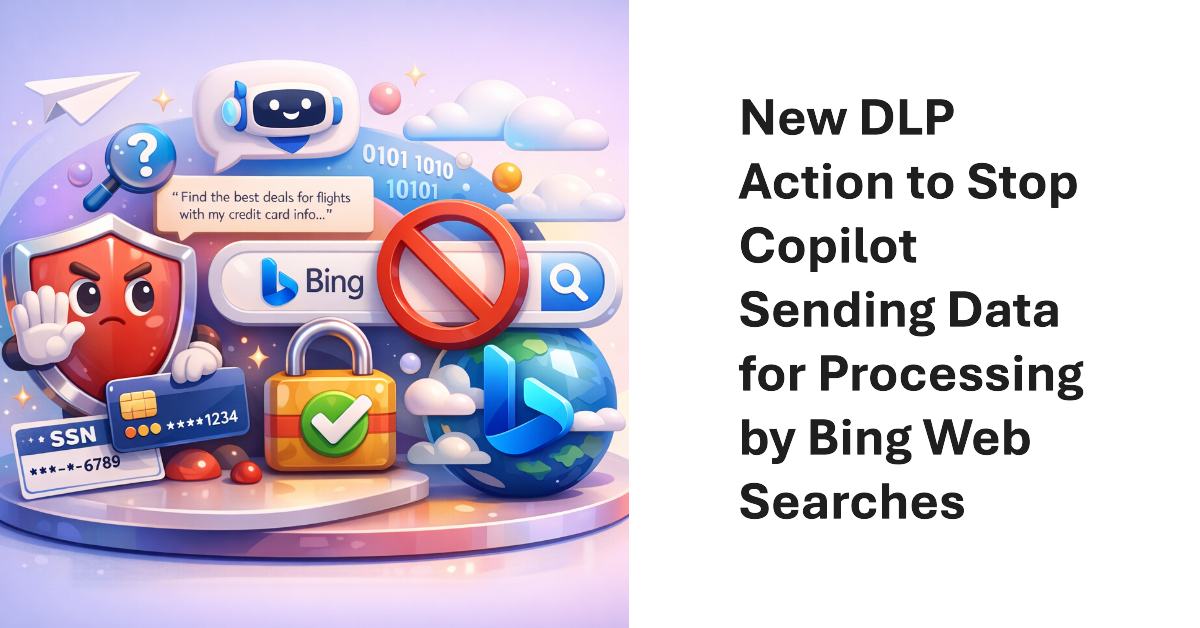
A new action for the DLP Policy for Copilot allows Microsoft 365 tenants to block Copilot from performing (Bing) web searches if a prompt contains sensitive information types. The new action allows Copilot to continue to process prompts using Microsoft 365 content (if the user has a Microsoft 365 Copilot license) while stopping potentially sensitive data being sent to Bing.
A reader wanted a weekly incomplete task digest to send details of Planner tasks to people with outstanding work to do. We used PowerShell to scan for incomplete tasks for people who are members of a group, perform some analysis on the data, and create and send email. Despite some deficiencies in the Planner Graph API, the code is pretty straightforward.
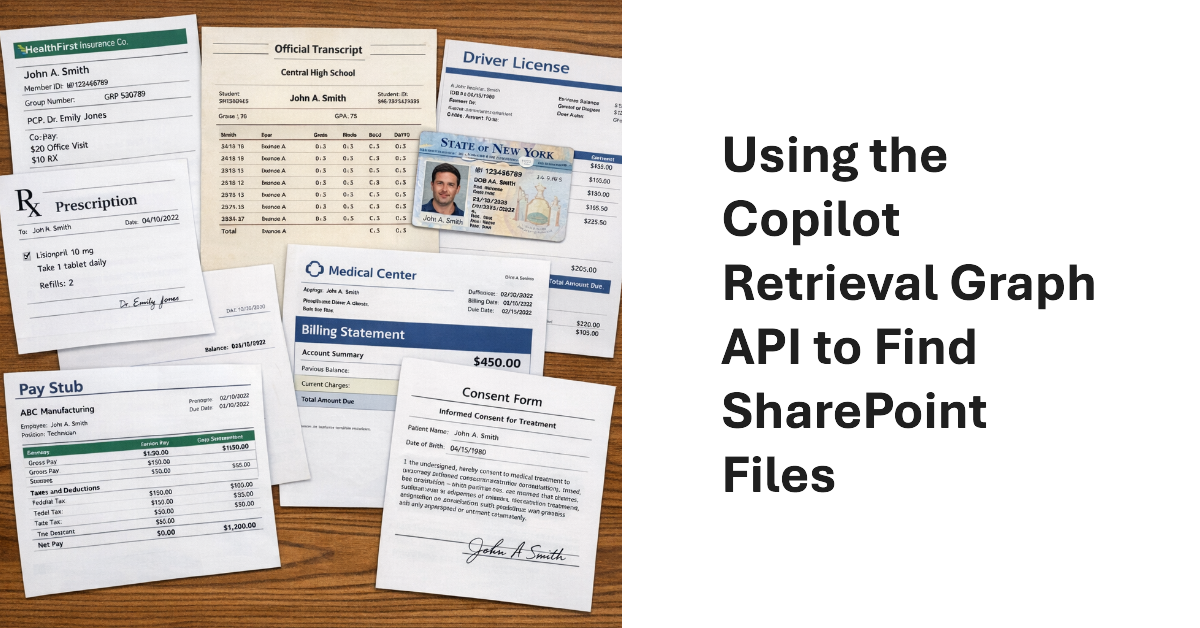
The Copilot Retrieval API is a Microsoft Graph API that apps can use to search Microsoft 365 locations to find information to ground user prompts. Grounding means that the apps use the information found by Copilot to add context to the queries they submit to a generative AI engine for processing. Although I don’t have an immediate purpose for the API, it provides a nice insight into how grounding works.
Entra ID uses an eventually consistent multi-region database architecture. PowerShell code that fetches and updates Entra ID objects needs to interact with the database in the most efficient manner. This article illustrates some guidance from Microsoft engineering with examples from the Microsoft Graph PowerShell SDK. I’m sure your scripts already use these techniques, but if not, we have some helpful pointers.
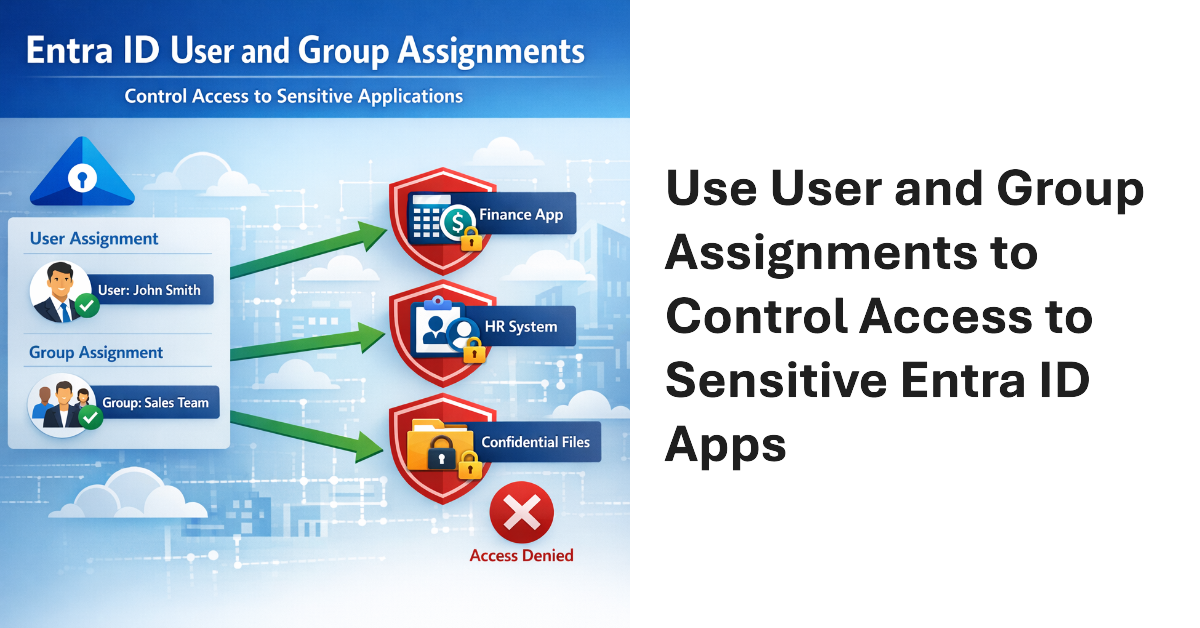
User and Group assignments can be added to Entra ID applications. Once assignments exist for an application, only assigned users can access that application. This method is a good way to secure access to applications that have consent to use high-profile permissions like Sites.FullControl.All or Mail.Read. Microsoft 365 tenants should consider how to use assignments to control user access to applications.
The Microsoft 365 admin center includes an option for administrators to send Copilot diagnostic logs on behalf of users to Microsoft for investigation. Sounds good, but the diagnostic logs are in plain text (JSON format) and the prompts and responses for Copilot user interactions can be viewed by administrators. That doesn’t seem like a good way to preserve anyone’s privacy. Vote for the feedback item to close this loophole.
The Microsoft 365 Connector for Claude allows Claude to access SharePoint and OneDrive files, emails, and Teams chats and meetings. The connector is now available to all users, including the free tier for Claude. Installing the connector creates two Entra ID enterprise apps (MCP server and client) and channels Graph requests to Microsoft 365 to fetch information for processing by Claude. Is that a good thing?
Microsoft plans to introduce flex routing to handle situations when demand exceeds capacity for Copilot processing in Europe. This could be an issue for Microsoft 365 tenants in the European Union or European Free Trade Association who want to be sure that their data is processed in Microsoft local datacenters and not sent to the U.S. or Australia when available capacity cannot meet the demand for “large language model inferencing”.
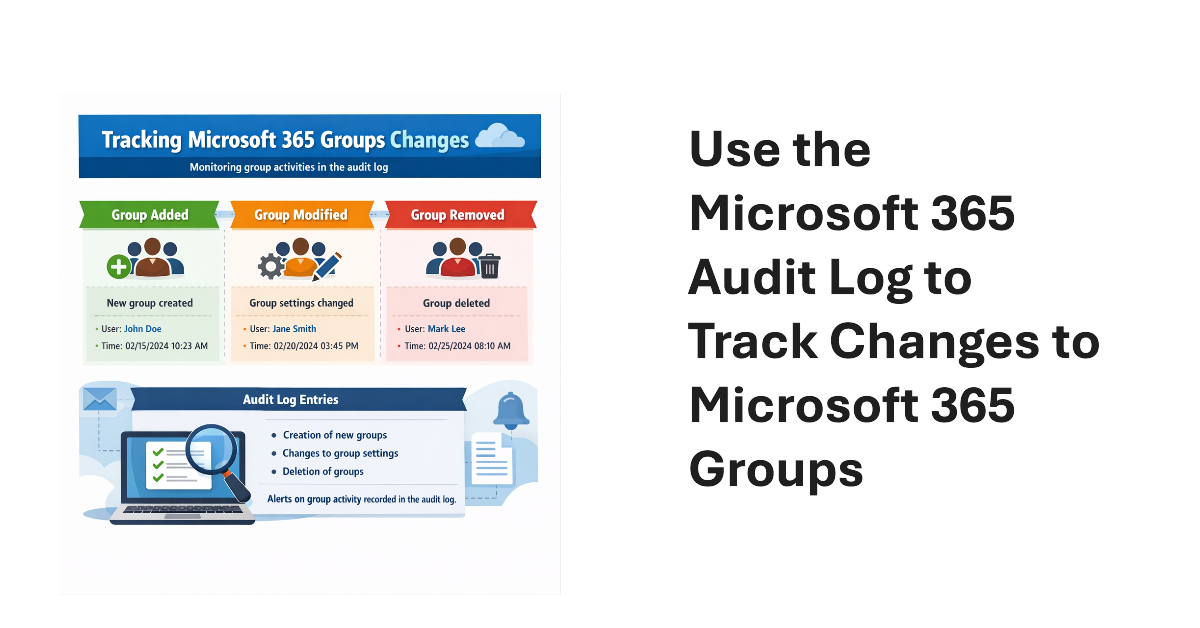
An old PowerShell script tracked changes to Office 365 Groups. The techniques from 2016 wouldn’t be used today because features like the unified audit log didn’t exist then. We show what’s possible now by creating a new version of a Microsoft 365 Groups Change Report script to track additions, deletions, and changes for Microsoft 365 groups in a tenant.
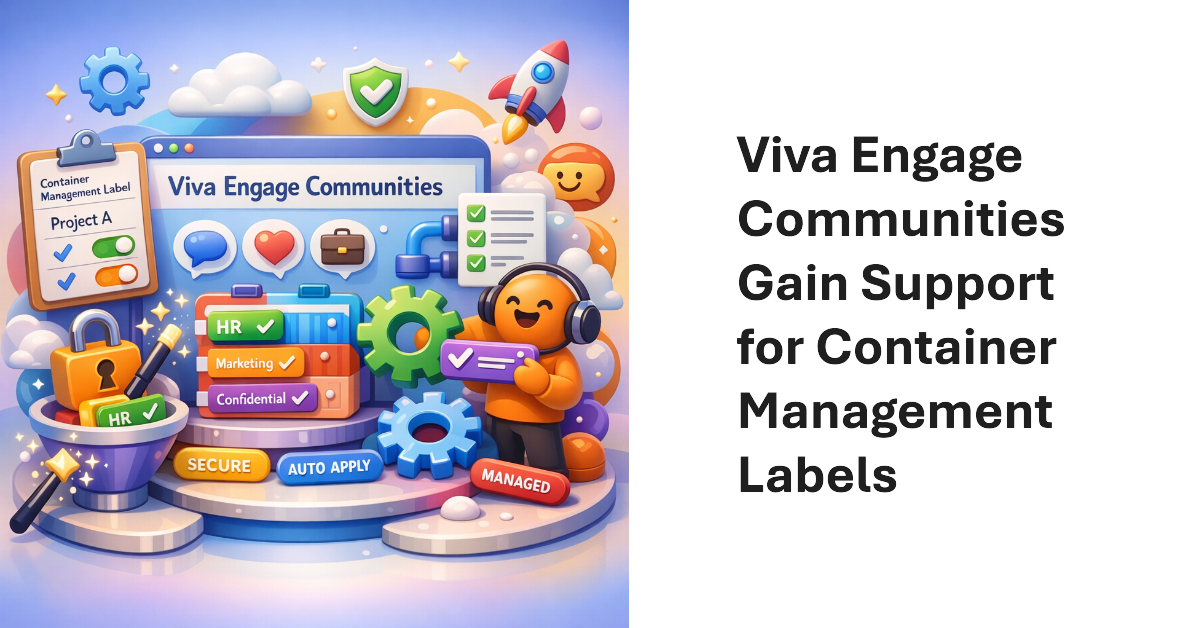
Viva Engage communities now support Purview container management labels (sensitivity labels that manage settings for groups, teams, communities, etc.). The update makes it possible to manage community settings like privacy through labels instead of settings applied to individual communities. Once communities have container management labels, you can manage the labels in the same way as when applied to Teams and Microsoft 365 groups.
This article discusses the use of restricted site creation for third-party Entra ID apps. The feature has an allow or deny list to identify apps that can create new SharePoint Online sites. Controlling the set of apps that can create new sites contributes to limiting site sprawl and makes sure that every site has a real function. First-party apps like Teams are unaffected.
Fresh from celebrating the 30th anniversary of Exchange Server, the Office 365 for IT Pros team is happy to release the 130th monthly update for the book (plus an update for the Automating Microsoft 365 with PowerShell eBook). Reflecting on 30 years of writing about the development of Exchange, Office 365, and Microsoft 365 reminds us about just how far we’ve come. It also reminds us that technology keeps on changing. On to update #131!